Instagram Carousel Templates
44 free templates for seamless carousels. Pick one, add your photos, and download your slides in minutes.
Every template opens in Carousel Studio: add your photos, change any text and color, and download the slides. Free, no sign-up, no watermark, and your photos never leave your device.
Editorial templates
Magazine, journal and gallery looks with photos that cross the slide edges.
 Classic editorialA serif title slide, then photos that cross the slide edges. The clean magazine look for travel and lifestyle posts.Use this template →
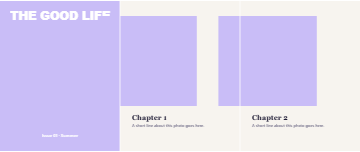 MagazineFull-bleed cover with a bold masthead, then chapters with captions. A magazine-style Instagram carousel.Use this template →
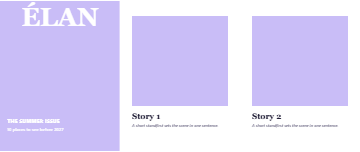 Cover storyA fashion-magazine cover with big serif letters and cover lines, followed by story pages.Use this template →
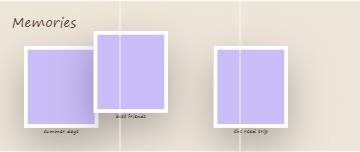 PolaroidWhite-framed instant prints scattered over the seams with handwritten captions. Perfect for memories.Use this template →
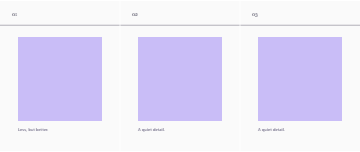 MinimalOne thin line runs through every slide, with a calm photo and number on each. Aesthetic and simple.Use this template →
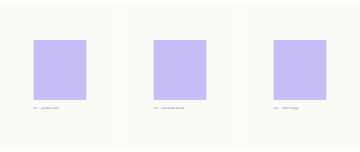 Quiet minimalLots of white space, a small photo and a tiny caption. The soft, gallery-like aesthetic.Use this template →
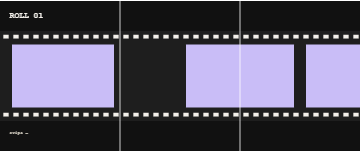 Film stripA dark 35 mm film strip with sprocket holes running across all slides. Retro and cinematic.Use this template →
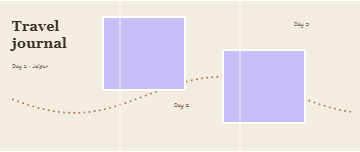 Travel journalBeige pages, a dotted route across the slides and day-by-day notes. A travel diary carousel.Use this template →
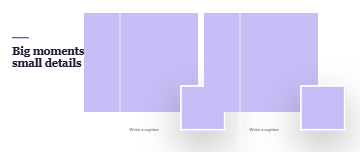 Big & smallA big photo over the edge with a small inset print and caption on every slide.Use this template →
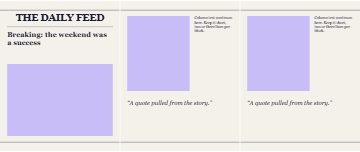 NewspaperHeadline, rules and columns like a newspaper front page, with pull quotes on the next slides.Use this template →
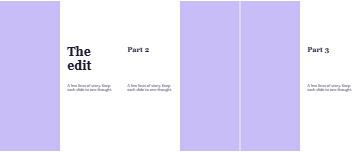 Split columnPhoto on one half, words on the other, switching sides as you swipe.Use this template →
 Overlap titleOne huge italic title laid over the photos and across the seams. Very editorial, very seamless.Use this template →
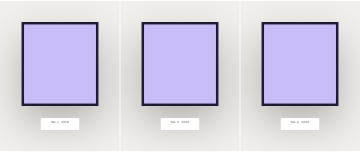 Gallery wallPhotos in thin black frames with small museum placards, like an exhibition.Use this template →
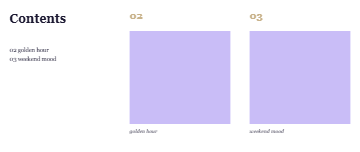 Contents pageA contents page that lists the slides, then numbered spreads. Great for guides and series.Use this template →
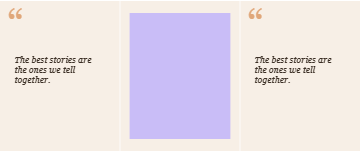 Pull quoteOversized quote marks and a big italic quote, alternating with photos.Use this template →
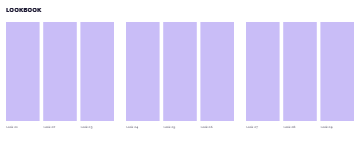 LookbookThree tall frames per slide with look numbers. Made for fashion, outfits and product lines.Use this template →
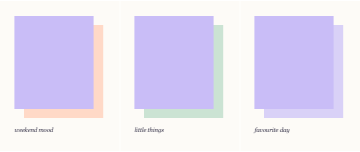 Color blocksSoft color blocks offset behind each photo. Playful but tidy.Use this template →
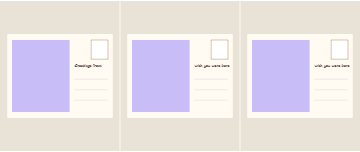 PostcardEvery slide is a postcard with a stamp, address lines and a handwritten note.Use this template →
 Grid linesA thin grid across the whole carousel with photos placed on it. Architectural and precise.Use this template →
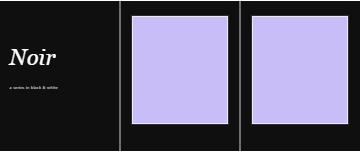 Black & whiteBlack pages, white serif titles and thin white frames. Classic noir.Use this template →
Trending templates
The carousel styles people are posting right now.
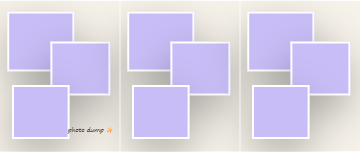 Photo dumpA casual pile of white-bordered photos on every slide. The photo dump carousel everyone posts.Use this template →
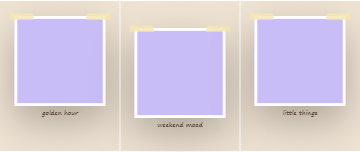 ScrapbookTaped prints with handwritten notes on kraft-colored pages. A digital scrapbook template.Use this template →
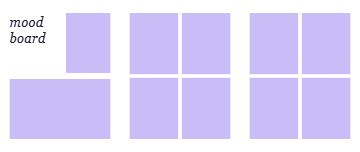 Mood boardA title slide, then 2 × 2 photo grids. Share your aesthetic or a project moodboard.Use this template →
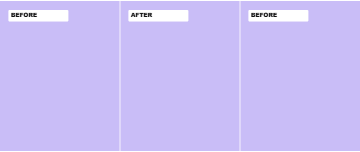 Before / afterFull photos labeled BEFORE and AFTER. For edits, makeovers, fitness and room tours.Use this template →
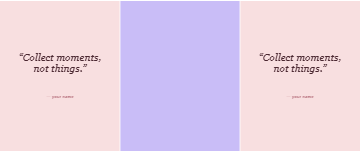 Quote + photoQuote slides between full-bleed photos. Pair your words with your pictures.Use this template →
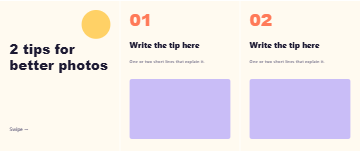 Tips listA bold title, then big numbered tips with a photo each. The creator "5 tips" carousel.Use this template →
 On the seamsA photo on every seam, so each swipe reveals the other half. The classic seamless trick.Use this template →
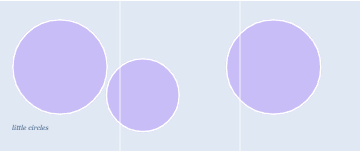 CirclesRound photos with white rings rolling across the slides.Use this template →
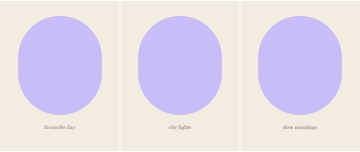 ArchesTall arch-shaped frames with soft captions. The warm boho look.Use this template →
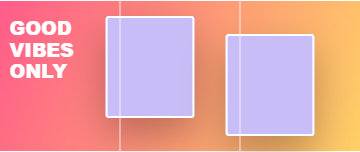 Gradient popA bright gradient, a bold "good vibes" title and white-framed photos.Use this template →
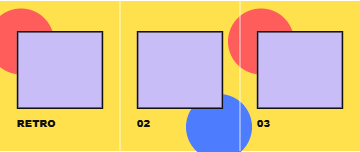 Retro 90sYellow, red and blue shapes, thick black outlines and chunky type. Y2K and 90s vibes.Use this template →
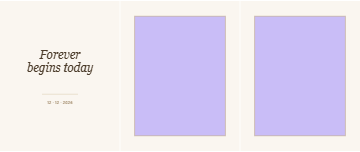 WeddingCream pages, thin gold lines and elegant italic titles. For weddings, engagements and invites.Use this template →
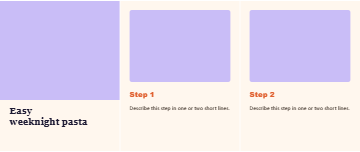 RecipeA hero dish photo, then one step per slide. A recipe carousel for food creators.Use this template →
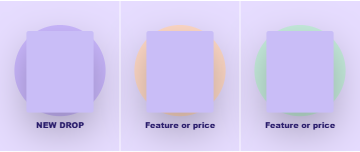 Product dropEach product on a colored circle with a bold label. For shops and launches.Use this template →
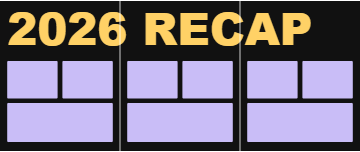 Year recapA huge "2026 RECAP" across all slides with a photo grid below. Year in review.Use this template →
 ZigzagPhotos stepping up and down across the seams with big numbers.Use this template →
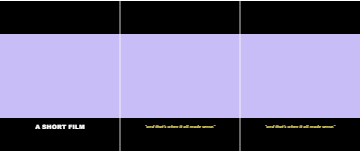 CinematicBlack letterbox bars with movie-style subtitles. Moody and cinematic.Use this template →
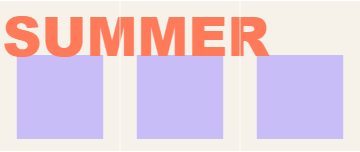 Big wordOne giant word runs through every slide above your photos.Use this template →
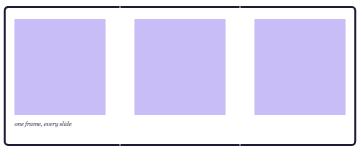 One frameA single thick frame around the whole carousel, so all slides join into one.Use this template →
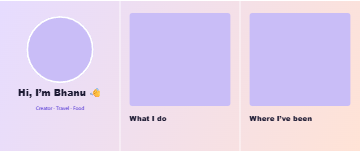 Meet meA round profile photo and a "Hi, I'm…" title, then slides about you. For creators and small brands.Use this template →
Basic layouts
Simple starting points.
 Seamless panoramaOne wide photo across every slide. Swipe to see the whole view.Use this template →
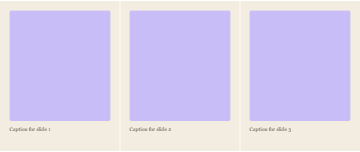 Photo per slideA framed photo and a caption on each slide.Use this template →
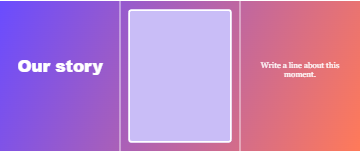 StoryA big gradient title, then alternating photo and text slides.Use this template →
 BlankStart from nothing and add your own photos, text and shapes.Use this template →
How to use a template
- Click a template to open it in Carousel Studio.
- Add photos. They fill the boxes in order, and stay saved if you switch to another template.
- Edit the text, colors and number of slides, then check the swipe preview.
- Download the slides and post them in order as one carousel.