Free Runs right in your browser
Food Label Maker
Beautiful labels for your homemade pickles, podis, sweets, ghee and snacks, with everything a packed food label needs: ingredients, net weight, MRP, packing date, best before, FSSAI number and the veg mark.
✓ No upload, 100% private✓ No sign-up✓ Works on phone & desktop
Good to know
- Looks professional: watercolour, kraft paper, colour band and minimal designs, with your logo from the Logo Maker.
- Food rules: packed food sold to customers usually needs the name, ingredients, net quantity, MRP, packing date, best before, the veg or non-veg mark, your FSSAI number and your address. The label has a place for each.
- Everything for your parcels: shipping labels with COD amount, and thank-you cards with a coupon for the next order.
More tools for your business: business kits, bills, WhatsApp Status posts.
Frequently asked questions
Quick answers about the food label maker tool.
Which sticker paper should I buy?
Ask any stationery shop for A4 label sheets: 8, 12 or 24 labels per sheet, or round 45 mm labels. You can also print on plain paper or card and cut along the dotted lines.
How do I print so the labels line up?
Print the PDF at 100% (actual size), not "fit to page". Print one sheet on plain paper first and hold it over a sticker sheet to check.
Is my information uploaded?
No. Everything is made on your phone and saved only there.
Is it free?
Yes. Free, no sign-up, no watermark.
 Tea stall
 Café
 Hotel & small restaurant
 Tiffin & home food
 Boutique
 Beauty parlour
 Tuition & classes
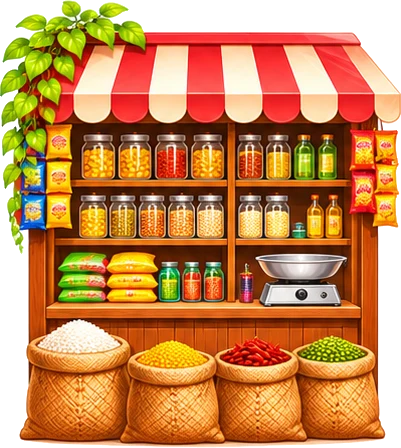 Kirana & general store
 Mehendi artist
 Home bakery & cakes
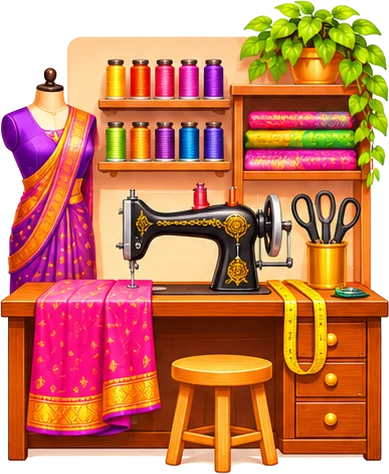 Tailoring
 Flowers & decoration