 Tea stall
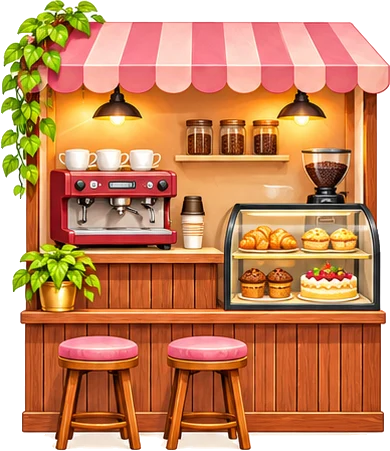 Café
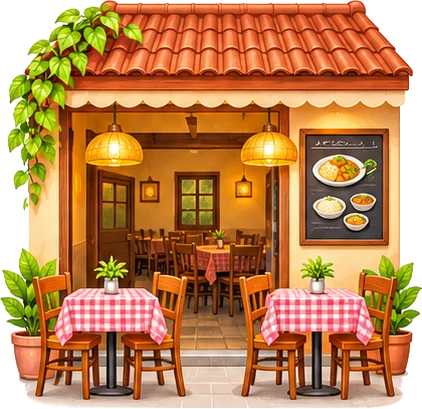 Hotel & small restaurant
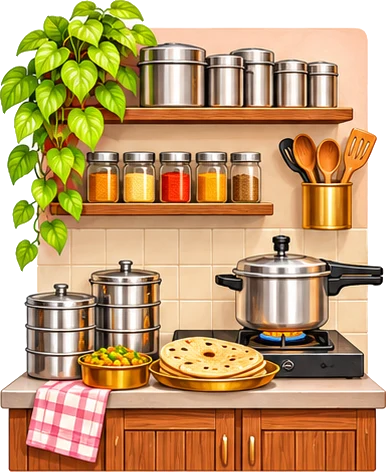 Tiffin & home food
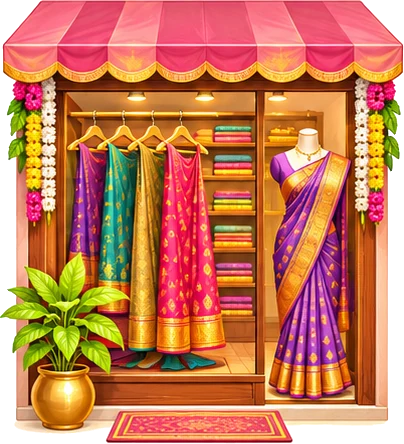 Boutique
 Beauty parlour
 Tuition & classes
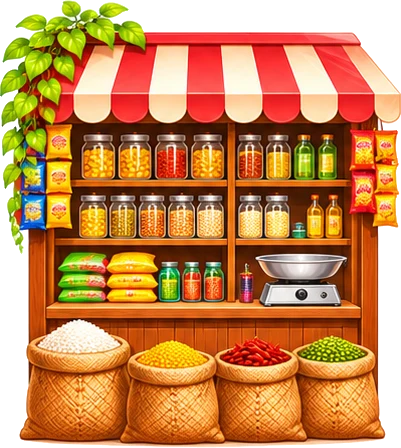 Kirana & general store
 Mehendi artist
 Home bakery & cakes
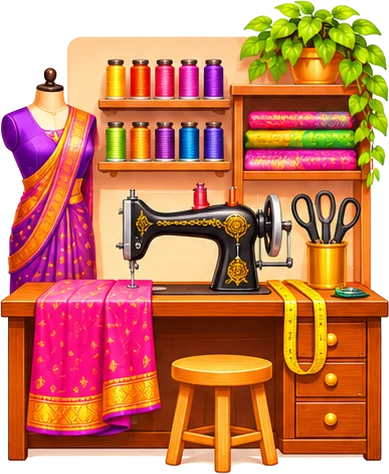 Tailoring
 Flowers & decoration
How to make it
- Pick the dish from your menu or type it
- Add your photo or pick a painted dish
- Type the price and a short line like "Only till 3 pm"
- Download or share to WhatsApp Status
Post your special of the day on WhatsApp Status and Instagram in a minute: pick a dish from your menu or type one, add your photo or a painted dish, the price and a short line.
Your menu link
Design
Colour
Picture
Size
Missing an option? Suggest an improvement or ask for a new tool.
More for your shop: business kits, UPI pay stand, table numbers.
Quick answers about the today's special post tool.
Your whole menu is packed into the link inside the QR code. When a customer scans it, our small menu page opens on their phone and shows the menu. Nothing is stored on a server and you need no account.
Change them here and print a new QR. The old printed QR keeps showing the old menu, so replace it.
Yes. Android and iPhone cameras open the link, and the menu page is very small, so it opens fast even on a slow connection.
Yes. Free, no sign-up, no watermark.
Everything runs in your browser. Nothing is uploaded.