Free Runs right in your browser
Free Online Store Maker
Start selling online today without a website: add your product photos and prices, and get one link that opens as a neat store page. Orders come to your WhatsApp, with no fees and no commission.
✓ No upload, 100% private✓ No sign-up✓ Works on phone & desktop
Frequently asked questions
Quick answers about the free online store tool.
How does the shop link work?
Your whole shop, with small photos, is packed into the link. When a customer taps it, our small shop page opens on their phone and shows your products. Nothing is stored on a server and you need no account.
Why is the link so long?
Because the photos are inside it. WhatsApp shows long links with "Read more", and one tap still opens your shop. Fewer photos make a shorter link.
How do customers order?
They tap Add on the products they want and then "Send order on WhatsApp". A message with the items, quantities and total opens in WhatsApp, addressed to your number.
Why does the QR code show no photos?
A QR code can only hold a few thousand letters, and photos need much more. So the QR opens the same shop with names, prices and Order buttons, and the link you send on WhatsApp has the photos.
What if my prices change?
Change them here and send the new link. Old links keep showing the old prices.
Is it free?
Yes. Free, no sign-up, no commission on orders.
 Tea stall
 Café
 Hotel & small restaurant
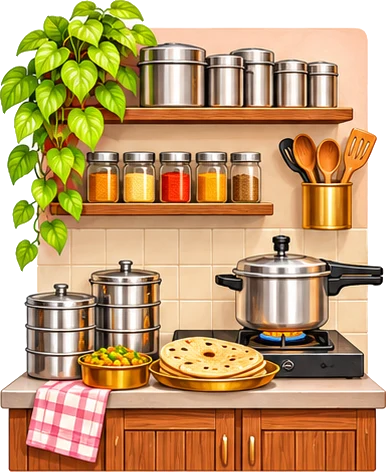 Tiffin & home food
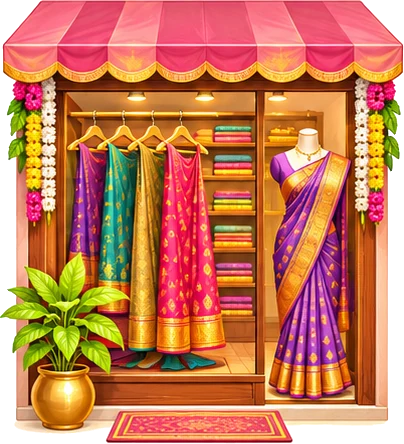 Boutique
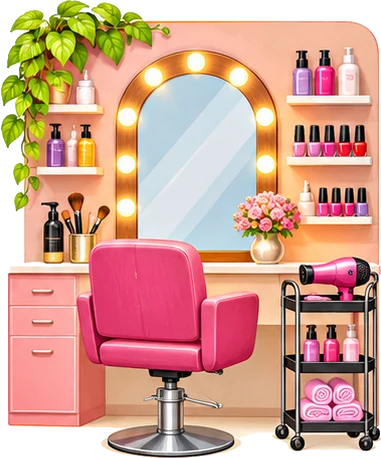 Beauty parlour
 Tuition & classes
 Kirana & general store
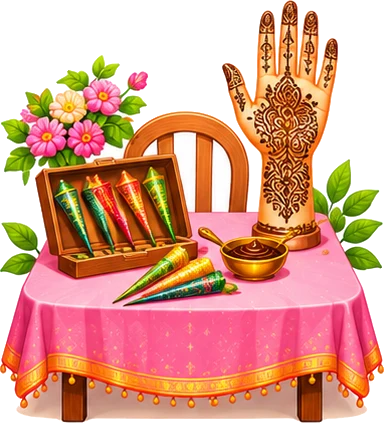 Mehendi artist
 Home bakery & cakes
 Tailoring
 Flowers & decoration