Free Runs right in your browser
Visiting Card Maker
A smart visiting card in two minutes: your logo, name, phone, address and a WhatsApp or UPI pay QR on the back. Print 10 on A4 at home, or send the PDF to a print shop.
✓ No upload, 100% private✓ No sign-up✓ Works on phone & desktop
Frequently asked questions
Quick answers about the visiting card maker tool.
What size is the visiting card?
89 × 51 mm (3.5 × 2 inch), the usual size in India. The A4 sheet has 10 cards with gaps and black cut marks. Page 2 has the backs, mirrored so they line up when you print on both sides (flip on long edge).
Can I order a real rubber stamp with this?
Yes. Download "Image for the stamp shop" or print the real-size page and give it to any stamp maker. The see-through PNG is for putting your stamp on PDFs and e-documents.
My logo is a WhatsApp screenshot. Is that OK?
Yes. Black bars and empty borders are cut off automatically, and you can remove a white background. Your logo keeps its real shape: square, wide or tall, never squeezed or cut into a circle unless you choose Circle.
Is my information uploaded?
No. Everything is made on your phone; your details stay on it and are reused by your bills and posters.
Is it free?
Yes. Free, no sign-up, no watermark.
 Tea stall
 Café
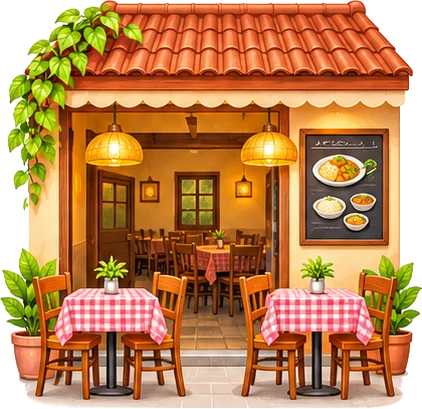 Hotel & small restaurant
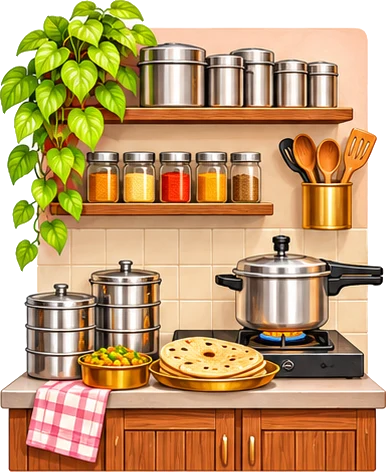 Tiffin & home food
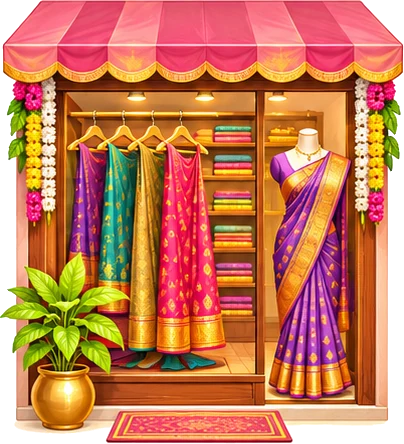 Boutique
 Beauty parlour
 Tuition & classes
 Kirana & general store
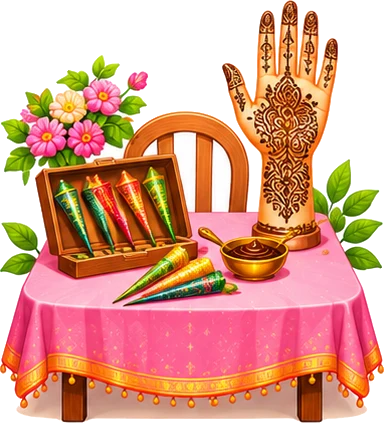 Mehendi artist
 Home bakery & cakes
 Tailoring
 Flowers & decoration