 Tea stall
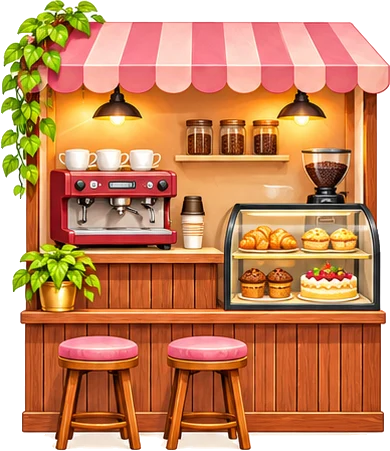 Café
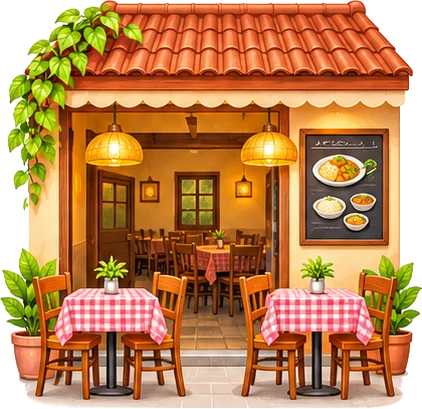 Hotel & small restaurant
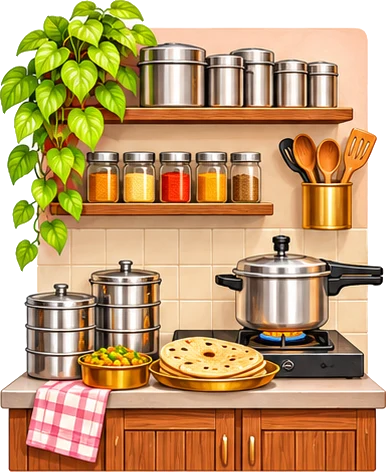 Tiffin & home food
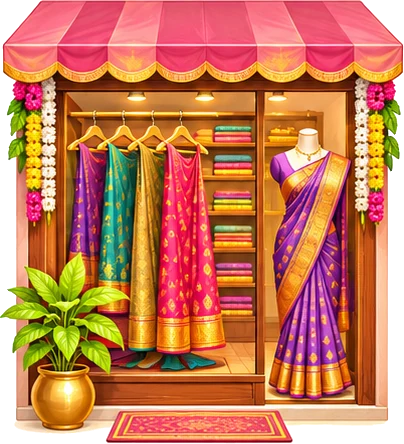 Boutique
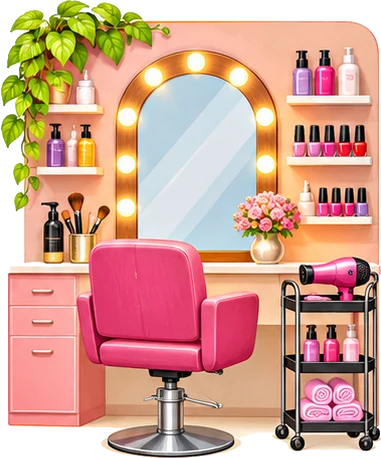 Beauty parlour
 Tuition & classes
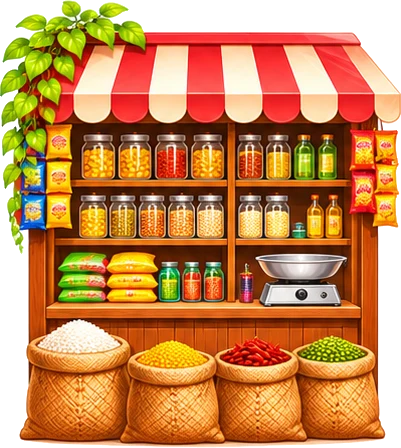 Kirana & general store
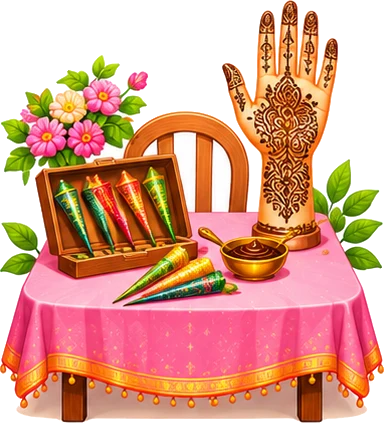 Mehendi artist
 Home bakery & cakes
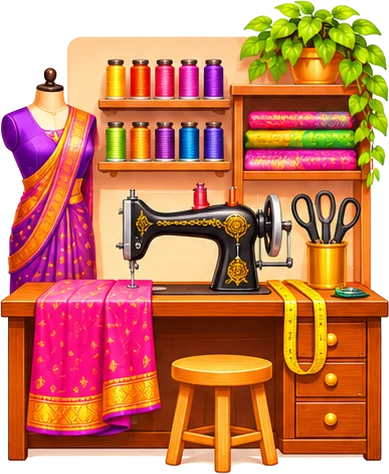 Tailoring
 Flowers & decoration
How to make and print them
- Type the offer and the code
- Switch on numbering to know who referred whom
- Pick a picture, design and colour
- Print 10 per A4 and hand them out with orders
Turn happy customers into new customers: a small card with "You both get ₹50 off" and a code. Put one in every parcel or bill; the friend shows it on their first order.
Picture
Design
Colour
Stamps on the card
Your business
Print at 100% (actual size) on thick paper or card (250–300 gsm) at any xerox shop, then cut along the dotted lines.
Missing an option? Suggest an improvement or ask for a new tool.
Everything for your shop: business kits.
Quick answers about the refer a friend card tool.
Download the PDF and print at 100% (actual size) on thick paper or card (250–300 gsm) at any xerox shop. Cut along the dotted lines.
The PDF has a back page after each front page, already mirrored. Print on both sides and choose "flip on the long edge".
Yes. Switch on numbering and every card gets its own number (001, 002…), so you can track which coupons came back.
Yes. Free, no sign-up, no watermark.
Everything runs in your browser. Nothing is uploaded.