 Tea stall
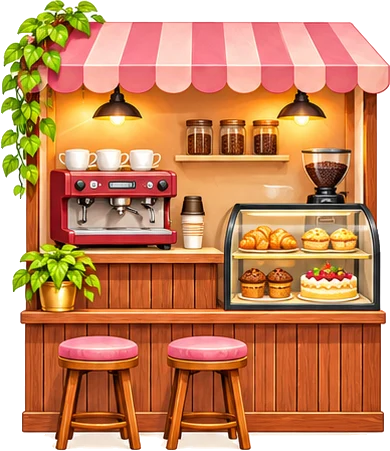 Café
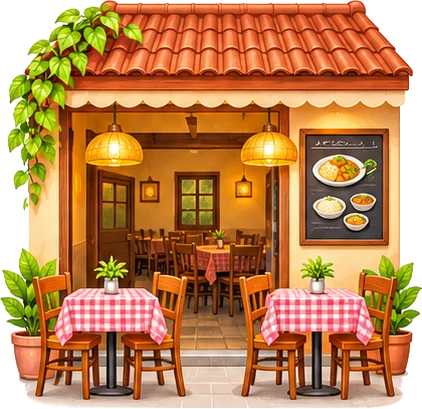 Hotel & small restaurant
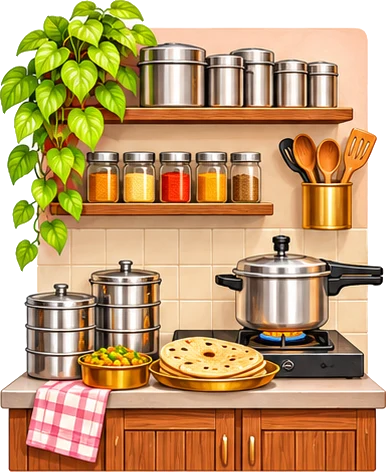 Tiffin & home food
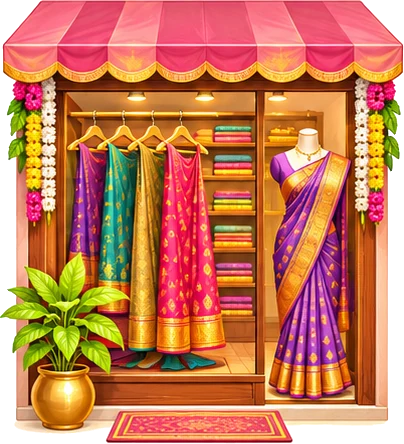 Boutique
 Beauty parlour
 Tuition & classes
 Kirana & general store
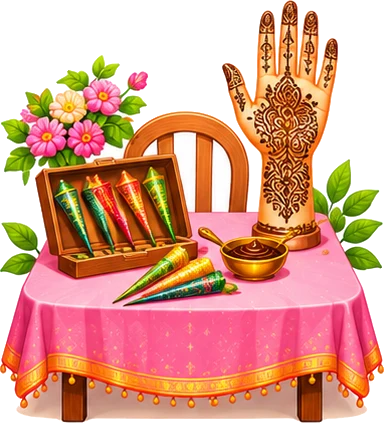 Mehendi artist
 Home bakery & cakes
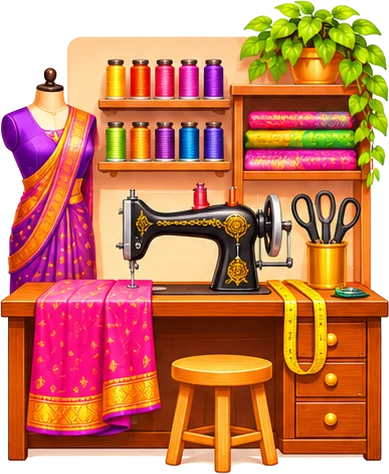 Tailoring
 Flowers & decoration
How to use it
- Type your business name, your name and WhatsApp number
- Pick a design and colour
- Download for Status, or print 4 counter cards on one A4
- Or send the .vcf contact file in your groups
Customers only see your WhatsApp Status if they saved your number. Put this card on your counter, in parcels and in your Status: they scan it and their phone saves your contact in one tap.
Fill in the customer details once; every message below updates. Tap Copy to paste it anywhere, or Send to open WhatsApp with the message ready.
Design
Colour
Customers scan the QR with their camera and their phone offers to save your number with your name and business, so they see your WhatsApp Status. Put it on the counter, on parcels and in your Status.
Size
Profile picture
Cover photo
Colour
The profile picture keeps your logo inside the circle WhatsApp shows. The cover photo shows your name, line and timings at the top of your business profile.
To set them: WhatsApp Business → ⋮ → Settings → tap your business name → tap the photo or the cover to change it.
Missing an option? Suggest an improvement or ask for a new tool.
More for your shop: business kits, WhatsApp Status posts, WhatsApp catalogue.
Quick answers about the save my number qr tool.
Yes. Copy them into WhatsApp, or save them as quick replies in WhatsApp Business so you can send them with a shortcut like /paid.
It is a contact card QR. When a customer scans it with the phone camera, the phone offers to save your number with your name and business. Once saved, they can see your WhatsApp Status.
No. Everything is made on your phone and saved only there.
Yes. Free, no sign-up, no watermark.
Everything runs in your browser. Nothing is uploaded.