Quick answers about the credit ledger for shops tool.
Is my data safe?
Yes. Your customers, entries and bill photos are saved only on your phone, in this browser. Nothing is uploaded to us and we cannot see it. It leaves the phone only when you send a WhatsApp reminder, share a statement or make a backup.
What if I change or lose my phone?
Back up every week: tap Shop & backup, then Download backup file (send it to your own WhatsApp or email) or Back up to Google Drive. On the new phone open this page, tap Restore and everything comes back: customers, entries and photos. Without a backup, a lost phone means a lost khata, the same as a lost notebook.
Is it free?
Yes. Free, no sign-up, no ads in your reminders, no limit on customers or entries.
How does the WhatsApp reminder work?
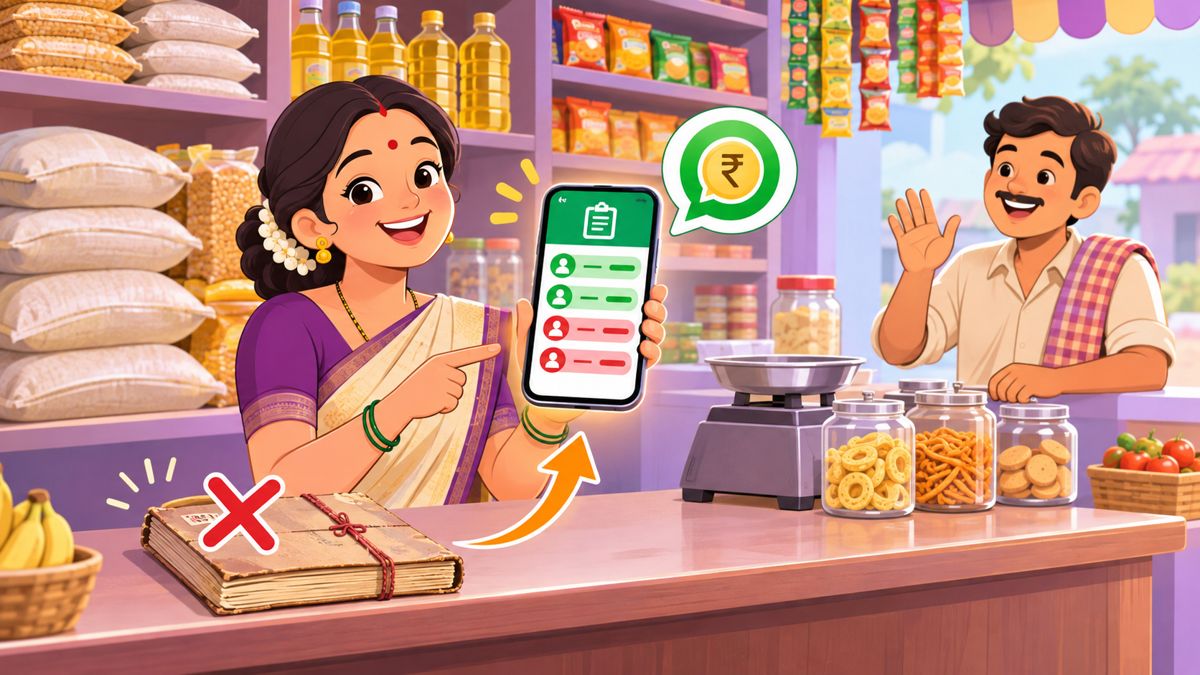
Open a customer and tap WhatsApp reminder. WhatsApp opens with a polite message such as “Namaste Ravi garu, ₹450 is pending at Sri Sai Kirana (since 3 Nov). Please pay when convenient. Thank you!” in English, Telugu or Hindi. You check it and tap send. If you saved your UPI ID, a pay link is added.
Can I give the customer a statement?
Yes. Tap Statement PDF, pick the dates and share it on WhatsApp. It shows every entry, the opening and closing balance, your shop name and, in India, a UPI QR with the amount to pay.
Can I lock it?
Yes. Set a 4-digit PIN under Shop & backup. If you forget the PIN, the khata cannot be opened; you erase it and restore from your backup, so keep a backup.
Does it work without internet?
Yes. Writing entries, balances and reports work offline once the page has opened. Making the statement PDF the first time and Google Drive backup need internet.
 Tea stall
 Café
 Hotel & small restaurant
 Tiffin & home food
 Boutique
 Beauty parlour
 Tuition & classes
 Kirana & general store
 Mehendi artist
 Home bakery & cakes
 Tailoring
 Flowers & decoration